The M&L technology approach
Logo ERP and B2B Sales Portal Integration
An end-to-end integration project connecting customer accounts, products, inventory, pricing, orders, invoices, shipments and payment data in Logo ERP with a customized B2B sales portal.
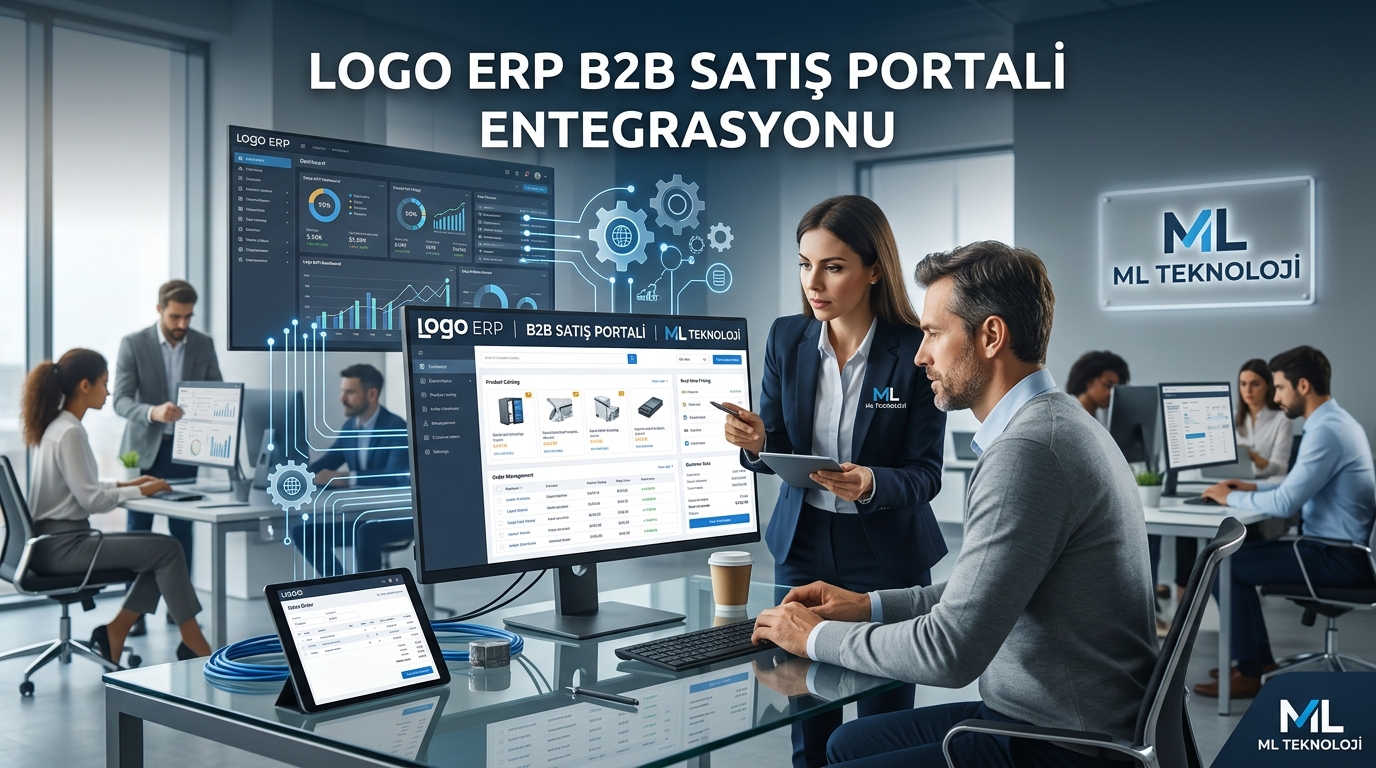
Within the scope of this project, a customized B2B sales and dealer management portal was developed for businesses using Logo ERP. Customer accounts, products, inventory, pricing, orders, dispatch notes, invoices, collections and payment data from Logo ERP were integrated with the B2B platform, creating an end-to-end digital sales process.
Logo ERP and B2B Portal Integration
The integration can be designed for Logo GO Wings, Logo GO 3, Logo Tiger 3, Logo Tiger 3 Enterprise, Logo Tiger Wings and Logo Tiger Wings Enterprise. The Logo product and version, company and fiscal period structure, database, warehouse configuration and business-specific definitions are technically analyzed before implementation.
Depending on operational requirements, data can be synchronized bidirectionally in real time, at scheduled intervals or through user-initiated synchronization tasks.
Customer Account Management
Selected customer accounts in Logo ERP are transferred to the B2B platform. Account codes, company names, tax information, contact details, delivery addresses, payment terms, risk limits and account balances can be used in the customer portal according to assigned permissions.
Multiple users can be created for each account with purchasing, finance, administrator or read-only roles. Access to products, prices, orders and financial information can be controlled separately for each customer and user.
Product, Inventory and Warehouse Integration
Selected product and material records from Logo ERP can be published on the B2B portal. Product codes, descriptions, brands, categories, variants, units, barcodes, technical specifications, images, inventory levels and sales prices can be presented to customers.
When multiple warehouses are used, inventory can be calculated by warehouse or displayed as the total available quantity. Stock information can be shown as exact quantities or through tiered indicators such as 100+, 50+, 20+, 10+, limited stock and out of stock.
Customer-Specific Pricing
Logo price lists and customer-specific commercial terms can be applied within the B2B platform. Different pricing and discount rules can be defined according to customer, dealer level, product group, brand, order quantity, campaign, currency and payment method.
After signing in, customers only see the products, prices, discounts and payment options assigned to their accounts. Date-based campaigns and temporary special prices can be applied automatically.
Quotation and Order Management
Customers can browse products, request quotations or place orders directly through the B2B portal. Sales personnel can prepare customer-specific quotations with pricing, discounts, delivery times and payment terms for online approval.
Approved quotations can be converted into orders. Orders created through the portal can be automatically transferred to Logo ERP with product, quantity, price, discount, payment method, delivery address and customer note information.
Invoice, Dispatch and Shipment Tracking
Invoices, dispatch notes and shipment information generated in Logo ERP can be transferred to the B2B customer portal. Customers can track order stages such as processing, packing, shipped and delivered.
Invoice numbers, total amounts, payment status, shipment dates, carriers, tracking numbers and package information can be displayed according to user permissions. For partial shipments, delivered and pending products can be tracked separately.
Payment, Collection and Credit Risk Control
Customer balances, available credit limits, overdue debts, collections and payment transactions can be retrieved from Logo ERP and displayed in the customer portal. The customer's credit risk can be checked automatically during order creation.
Orders exceeding the approved credit limit can be blocked or routed to the finance department for approval. Bank transfer, account credit and credit card payment options can be included in the order process, while online payment results can be matched with the relevant order or customer account.
Management and Customer Portals
Customers can use their dedicated portal to monitor products, inventory, prices, quotations, orders, invoices, shipments and payment status. Features such as quick ordering, favorite products, repeating previous orders and bulk order uploads through Excel can be added.
Company users can manage products, customers, pricing, orders, quotations, payments and integration processes through a centralized web interface. Role-based permissions can be configured for sales, finance, warehouse, shipment, administration and reporting teams.
Multi-Company, Branch and Warehouse Support
A suitable integration architecture can be created for businesses operating multiple companies, fiscal periods, workplaces, branches or warehouses. Orders can be automatically directed to the correct company and warehouse according to the customer's region, inventory availability or sales channel.
Business Benefits
- Automated data synchronization between Logo ERP and the B2B portal
- 24/7 ordering access for dealers and corporate customers
- Current inventory and customer-specific pricing
- Reduced manual data entry and order processing errors
- Fast conversion of quotations into sales orders
- Online invoice, dispatch and shipment tracking
- Automated customer balance and credit risk controls
- Centralized sales, finance, warehouse and shipment operations
- Multi-company, branch, warehouse, language and currency support
- Integration logging, monitoring and reporting
Community
Comments and questions
Nothing has been published yet.